
If you have a creative Case cover image but the Case Folder name is getting in the way of your design, then hide the Case Folder name.
An informative custom cover image can be a good alternative to the Case Folder name. Follow the steps below to hide your Case Folder Name.
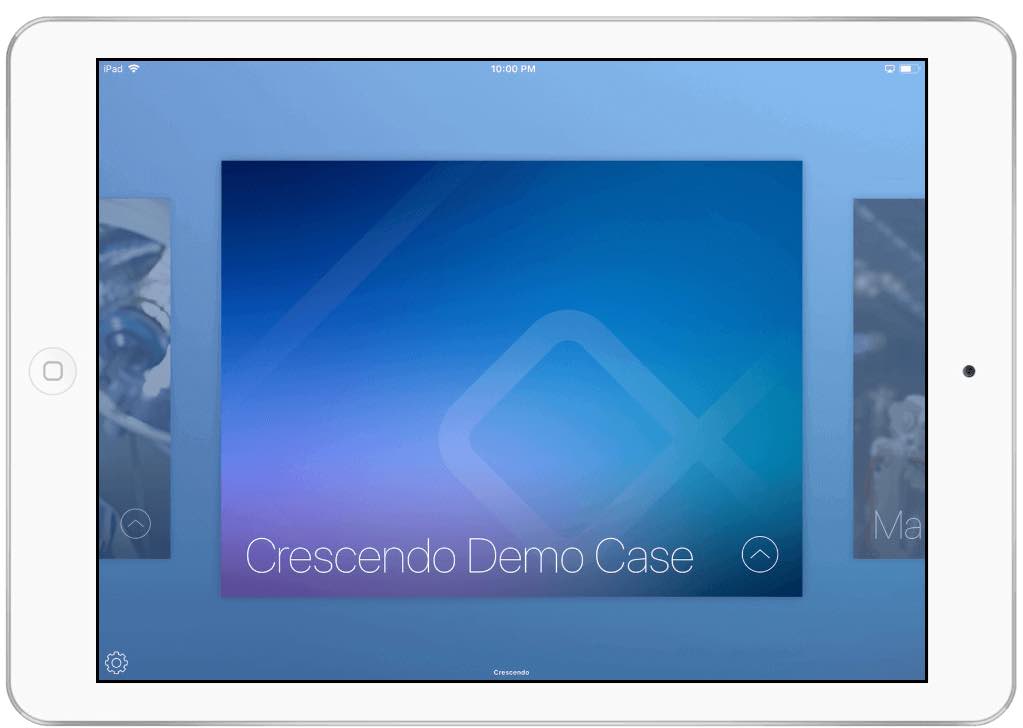
How to hide your Case Folder Name
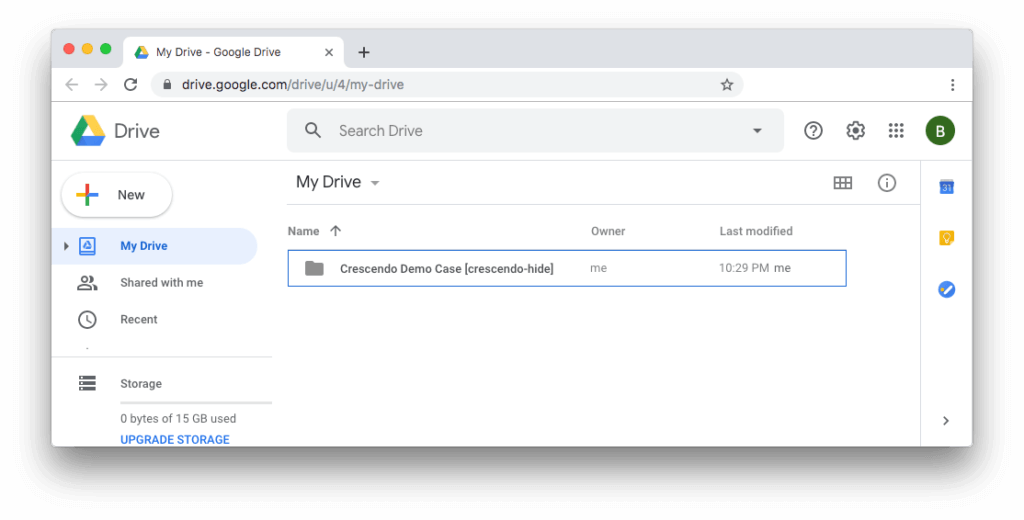
1. Locate your Crescendo Case Folder in your cloud storage.
2. Append [Crescendo-Hide] to that Case folder name.
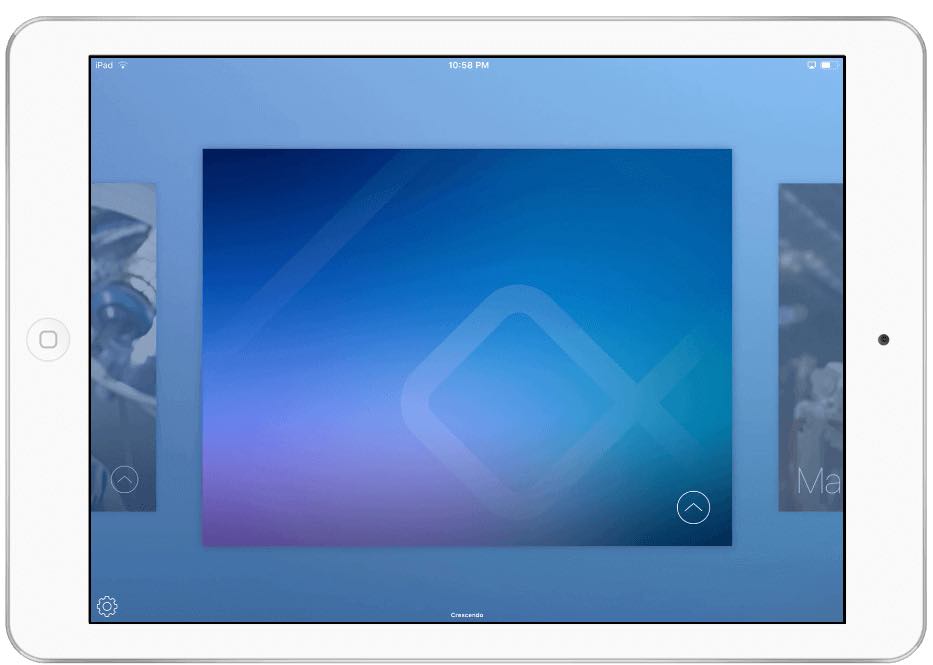
3. Sync Crescendo on your iPad and your Case Folder Name will disappear!
Pro tips:
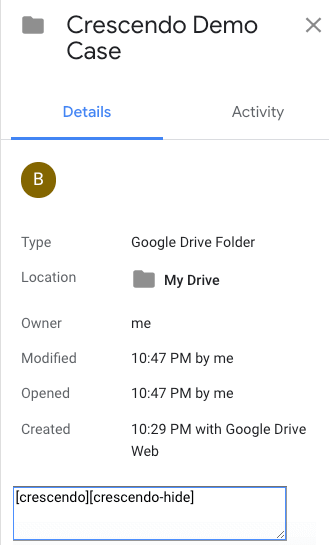
- Crescendo for Google and Box users can use Folder Description instead of the Folder name.
- Crescendo for Box users and also use a Box Tag.
Example: [Crescendo-Hide] as part of your Case Folder description
Read Crescendo Theming Guide to learn how to theme other parts of your Crescendo Case…like the Case Cover.


